How to Order Your Food
1. Login with Your Account
To begin your food ordering experience, please log in using your existing account. Our system ensures the security of your personal details and provides a seamless checkout experience. By logging in, you can also access your past orders, save your favorite meals, and track the status of your deliveries in real-time.
Go to Login Page2. Go to the Category Page
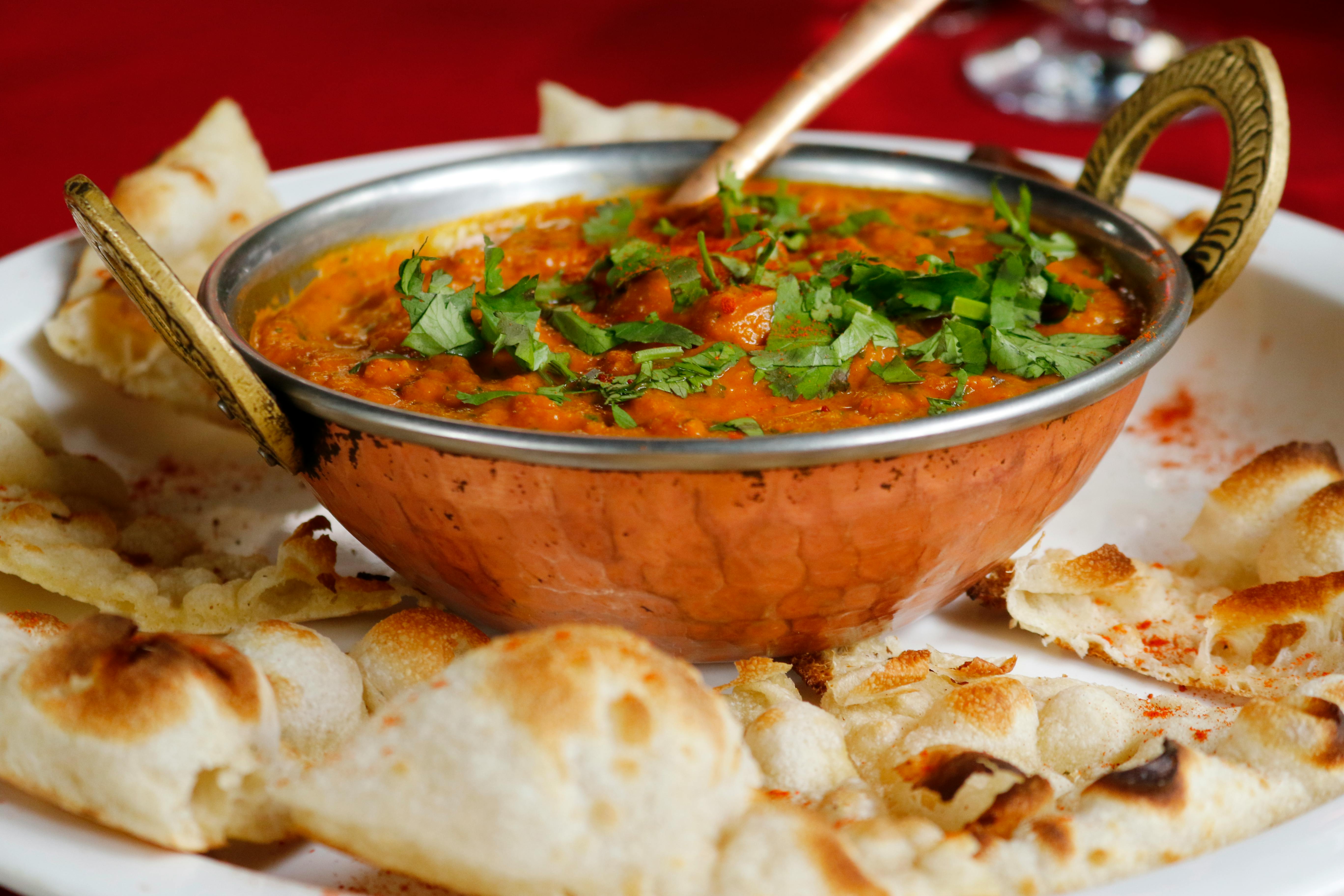
Once logged in, navigate to our food categories page to explore a wide variety of dishes. You can choose from curries, biryanis, tandoori items, snacks, and more. Simply click on the price of your desired dish to add it to your cart for a hassle-free selection process.
Go to Category Page3. Customize Your Meal
After selecting your dishes, you can personalize your meal by adding extras, adjusting spice levels, or choosing different portion sizes. We provide a range of customization options to ensure your meal is just the way you like it.
Go to Customize Page4. Proceed to Checkout
When you’re ready, go to the checkout page. You can review your selected items, apply promo codes, and choose your preferred payment method. Our checkout process is designed to be quick and secure, giving you a smooth experience.
Proceed to Checkout5. Enjoy Your Meal
After successfully completing your order, sit back and relax! Our team will carefully prepare and deliver your meal hot and fresh. Track your delivery status live from our app or website.
Track Your Order